FHV Artwork Templates

Welcome to the FHV Artwork Template Library.

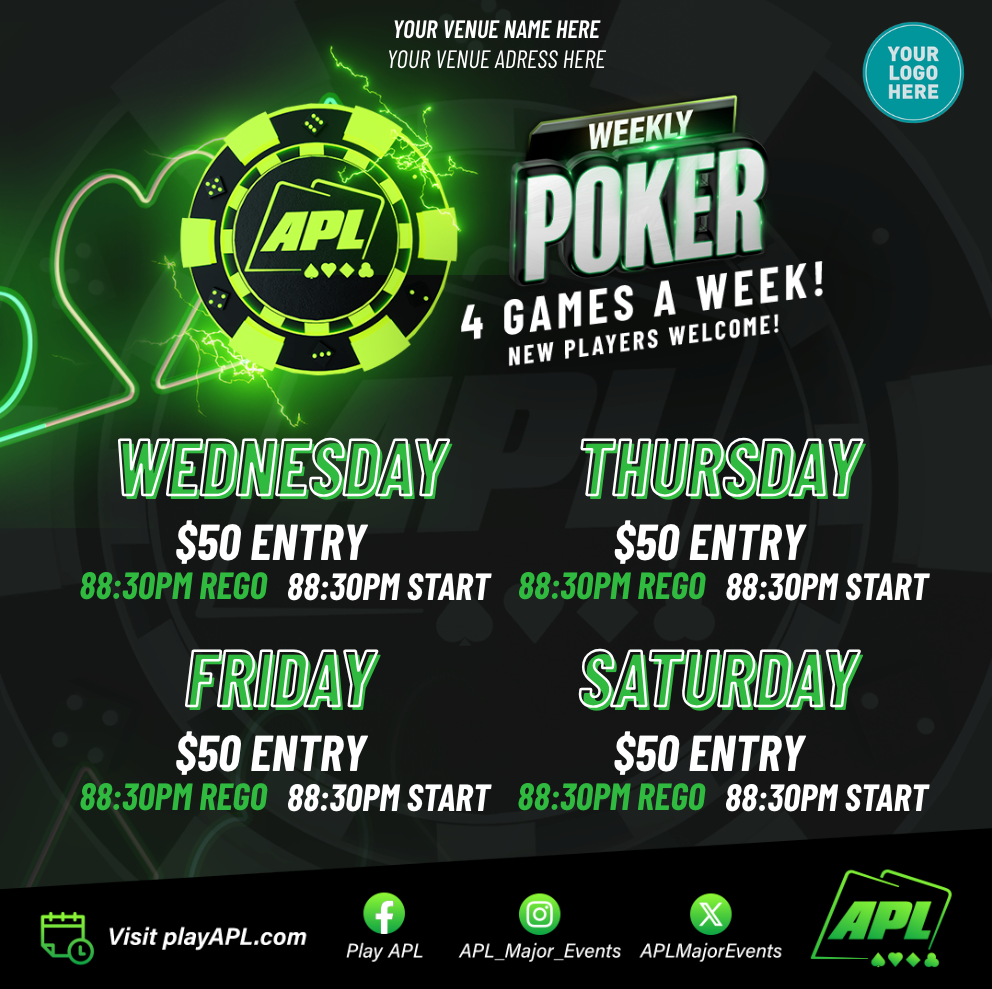
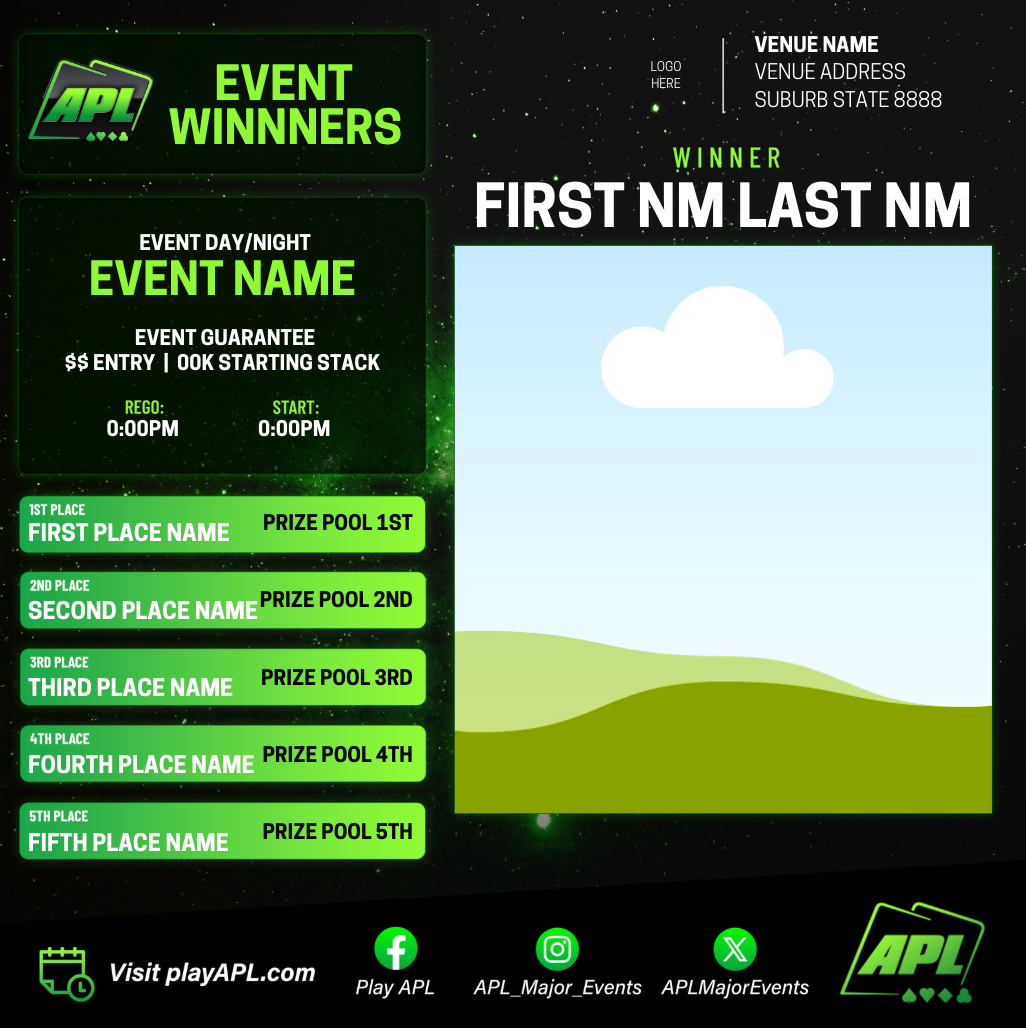
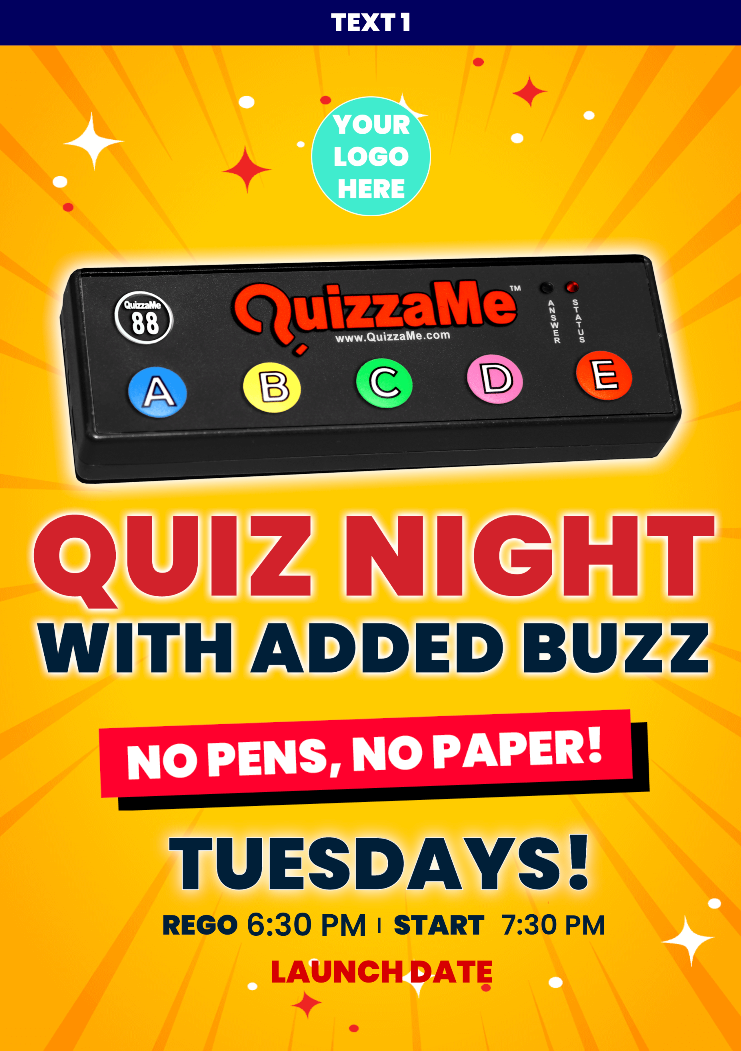
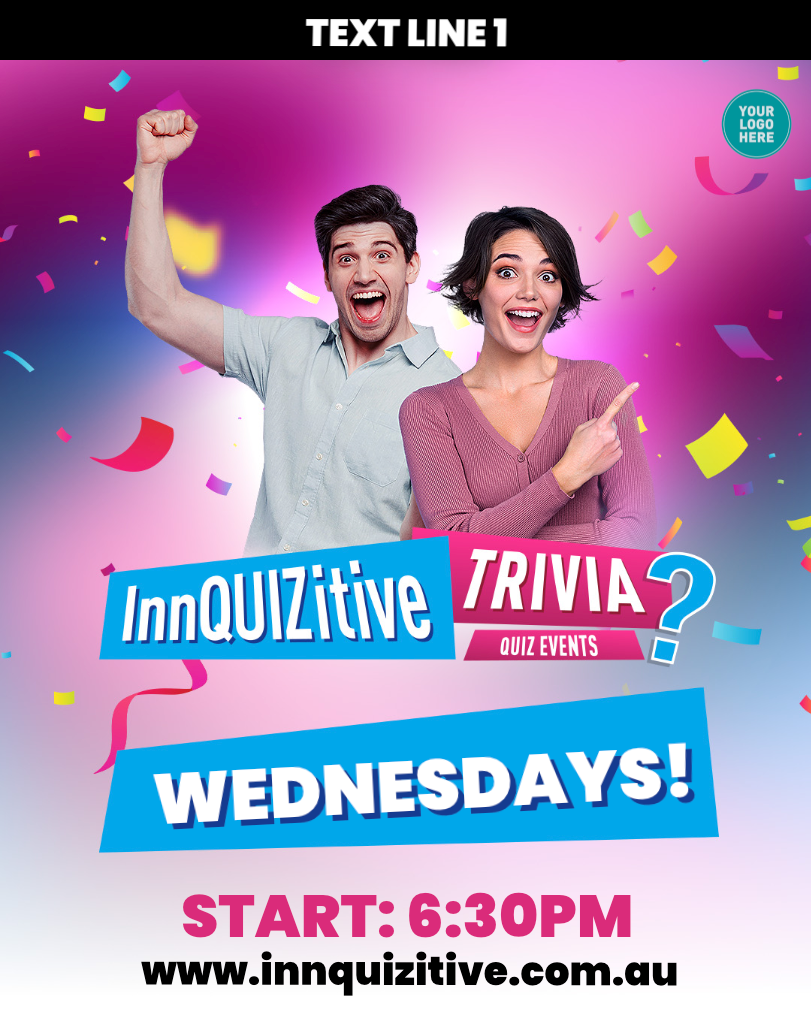
Here you'll find all available artwork templates for FHV products, including APL and Trivia.

To get started:

  1. Locate your product.
  2. Click on the relevant Canva template.
  3. Add the template to your Canva account.
  4. Edit the content as required.
  5. Download the finished jpegs.

If you require a new template or additional support, please submit a Bespoke Request.


Frequently Asked Questions (FAQS)

How do I create a FREE Canva account?
You don't need a paid account to access these templates.

Can I still request Bespoke artwork?
Let us know if you'd like your artwork set up as a Canva template.


How do I use ai to create my artwork?
Click the button below to create an APL AI prompt now.

APL Canva Templates

Choose your template > Use > Open in Editor > Edit > Download


Triva Canva Templates

Choose your template > Use > Open in Editor > Edit > Download


Licensee/Regional Manger Templates

Choose your template > Use > Open in Editor > Edit > Download